One Task Landing Page
Motion-driven landing page recreated from Figma using Next.js, TailwindCSS, and Framer Motion. Built with pixel-perfect fidelity, scroll-based animations, reusable components.

A Figma-to-code recreation of a SaaS landing page built with Next.js, TailwindCSS and Framer Motion. This project follows a clean, component based architecture, handling prop-based rendering and logical layering between sections and components.
🌐 Live Preview: OneTask
🧠 Technical Highlights
- CSS Mask Animations: Built interactive gradient borders using
useMotionTemplateand dynamic mask images for hover-follow effects. - Scroll-Driven Motion: Integrated scroll-based transformations (
useScroll,useTransform) for smooth 3D animations. - Tailwind-Powered Motion: Used Tailwind utilities to animate gradients, transitions, and background shifts.
- Component Scalability: Followed clean architecture principles with isolated UI sections (Hero, Features, CTA, Footer) and reusable components.
- Accessibility-Ready Design: Maintained dark mode contrast and semantic structure while implementing motion and interactivity.
- Optimized Asset Pipeline: SVG components handled with
@svgr/webpack, enabling scalable and color-adaptive icon usage.
🧰 Tech Stack
| Category | Technology | Purpose |
|---|---|---|
| ⚙️ Framework | Next.js 14 | File-based routing, image optimization, performance |
| 🎨 Styling | TailwindCSS 3.4 | Utility-first responsive design system |
| 💫 Animation | Framer Motion 11 | Section transitions & microinteractions |
| 💻 Language | TypeScript | Type safety and maintainable components |
| 🖼️ SVG Loader | @svgr/webpack | Import and manipulate SVGs as React components |
| 🔏 CI/CD | Vercel | Modern continuous integration&deployment management |
✨ Key Highlights
| Focus | Description |
|---|---|
| Figma-to-Code Fidelity | Achieved near-perfect replication of a Figma dark UI template |
| Reusable Components | Modular UI built with composable sections and clean props |
| Dark Theme | Leveraged gradients, shadows, and opacity for depth and modern appeal |
| Accessibility | Maintained a proper semantic structure throughout to aid in accessibility |
🧱 Project Structure
Structured for clarity, scalability, and visual separation between UI building blocks.
onetask/
├── src/
│ ├── app/ # Next.js 14 app directory
│ ├── assets/ # Static images, icons, etc
│ ├── components/ # Reusable UI components (Button, AccordionItem, etc.)
│ └── sections/ # Main sections of the page (Hero, Features, CTA, Footer)
├── .eslintrc.json
├── .prettierrc
├── next.config.js
├── package.json
├── postcss.config.mjs
├── tailwind.config.js
└── tsconfig.json
Each section represents a visual block from the original Figma layout — implemented with Tailwind utilities and custom CSS variables for subtle animations.
🖼️ UI Showcase
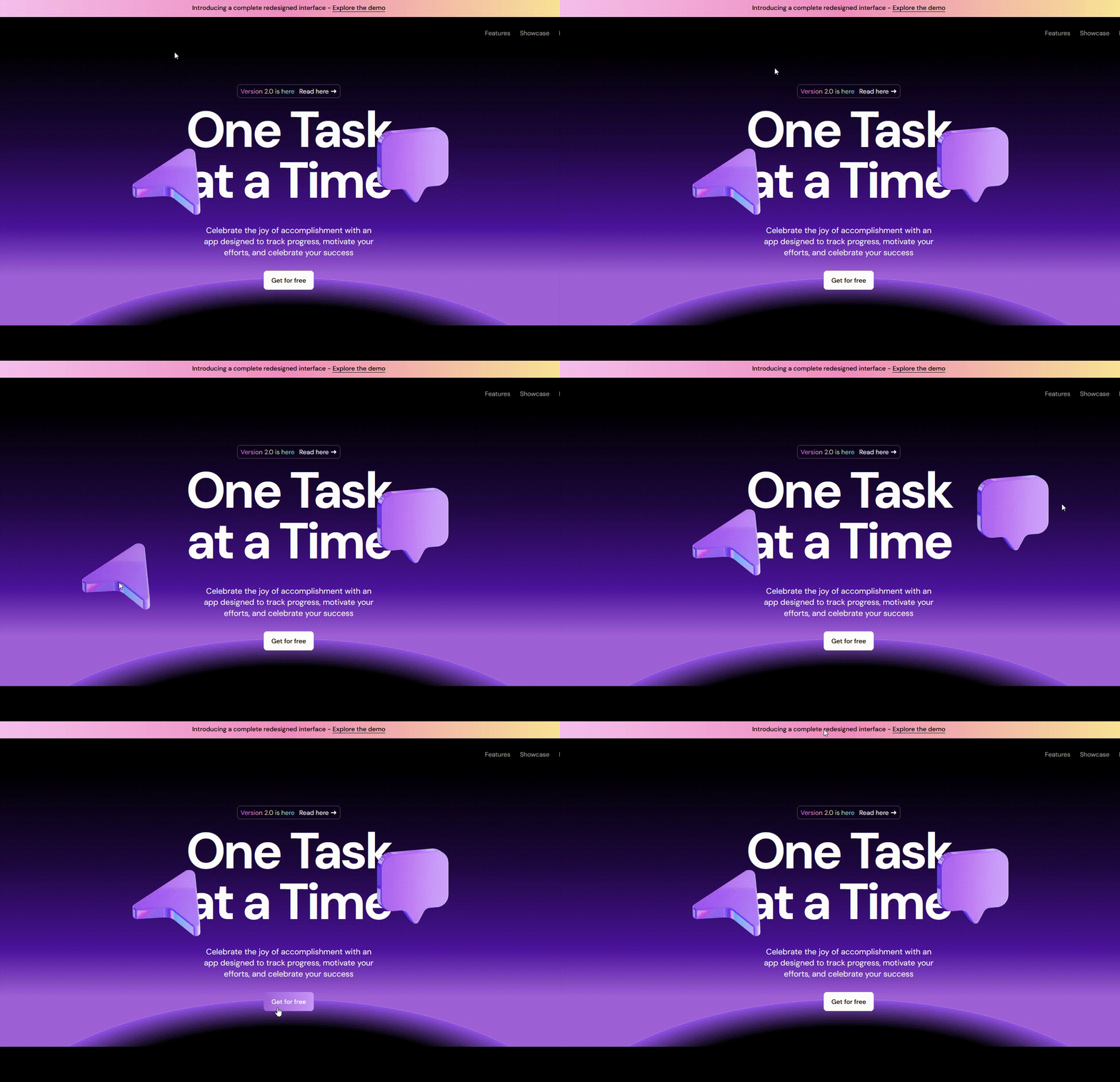
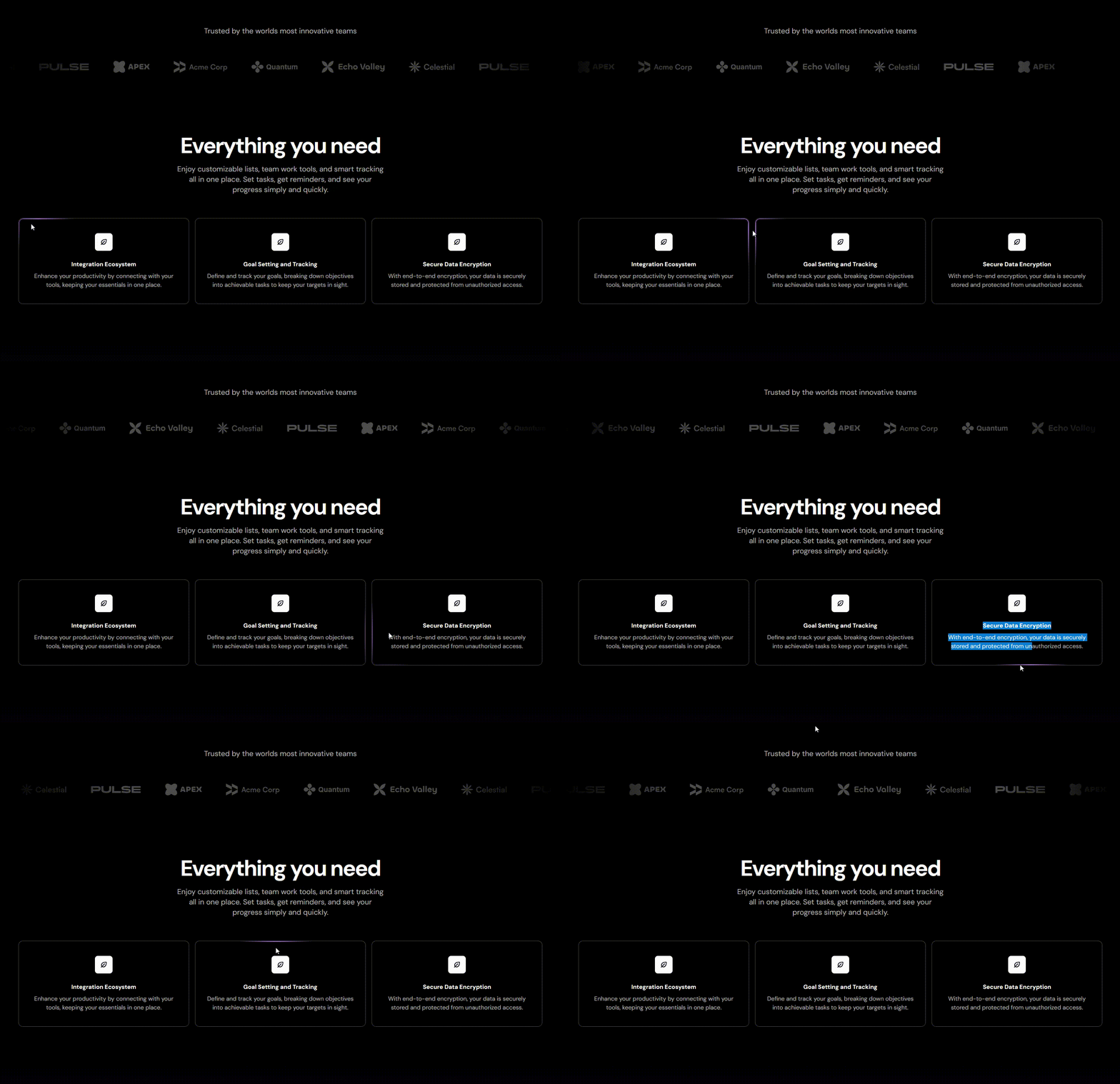
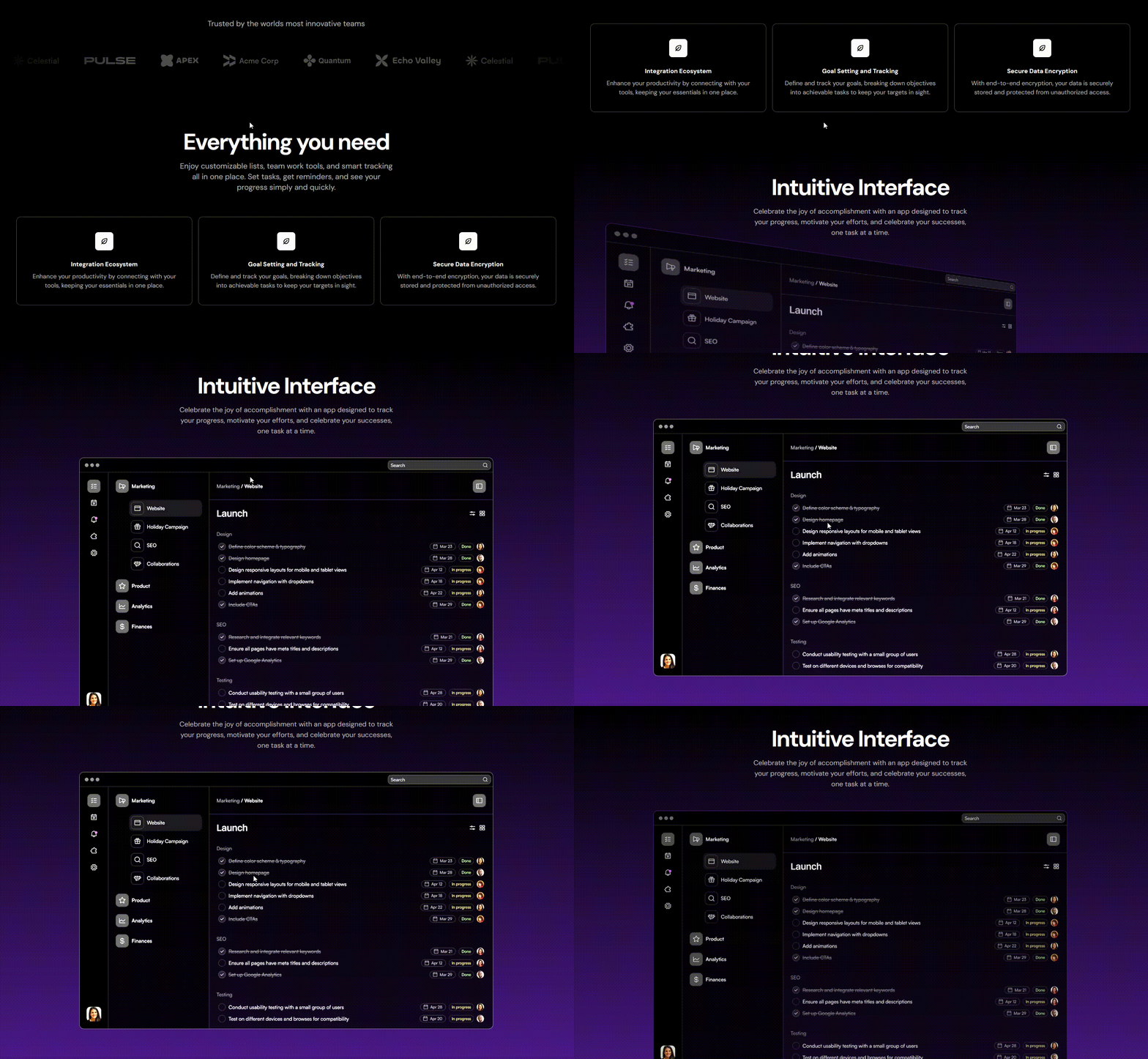
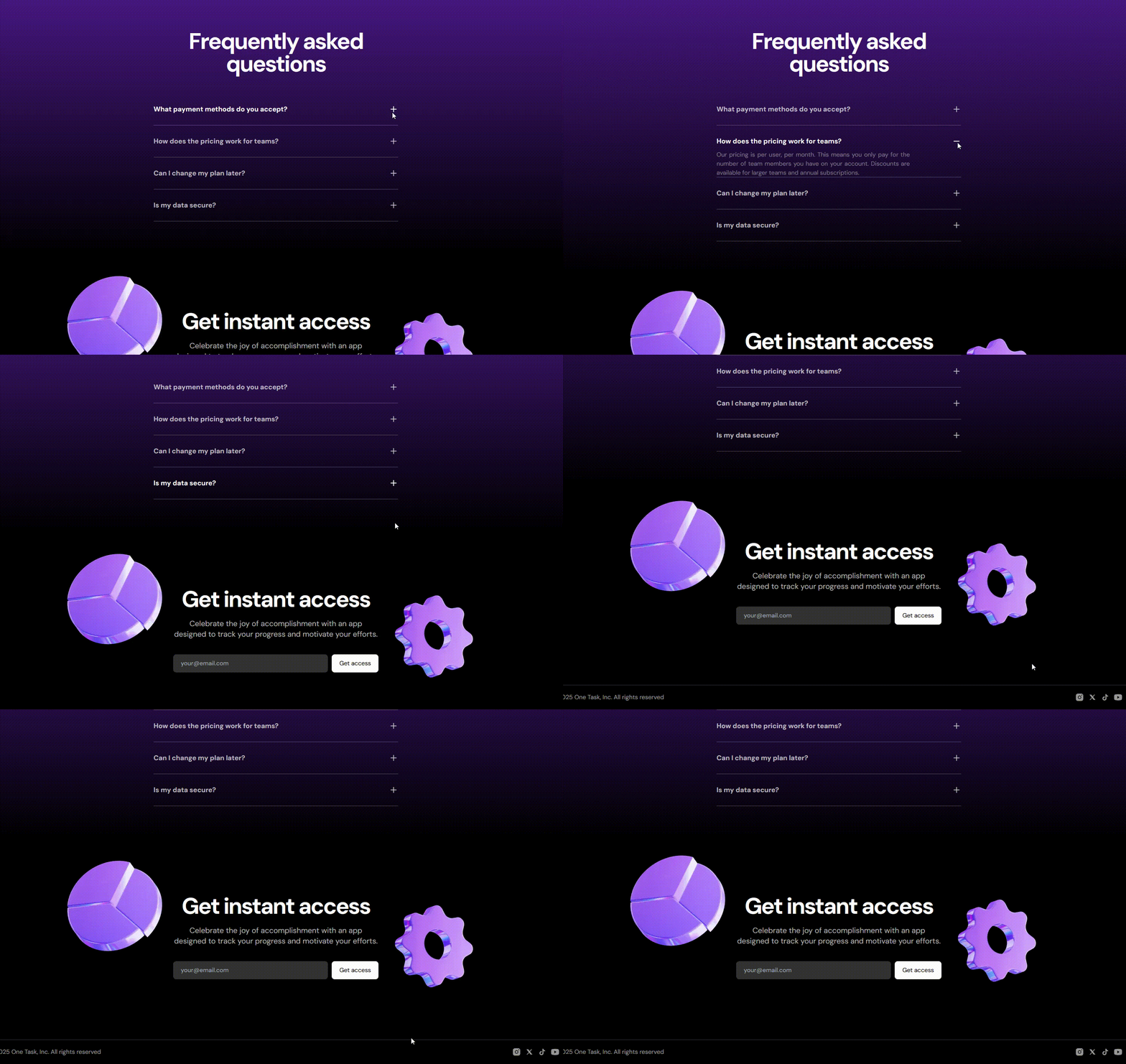
🎥 Live Demo: Explore the website
Fully responsive, and adaptable. Resize your screen to see the responsiveness. Hover effects, gradient reveals, and smooth border masks were all done with Tailwind classes.
🧪 Implementation
- Design Extraction — Imported layout details (spacing, fonts, gradients) directly from the Figma community file.
- Component Breakdown — Translated sections (Hero, CTA, Features, Footer) into reusable, isolated React components.
- Tailwind Animation Layer — Built microinteractions using Tailwind’s transition, transform, and animation utilities.
- Custom Effects — Created border masks and fade reveals using CSS pseudo-elements and gradients.
- Visual Tweaks — Adjusted padding, typography, and contrast for aesthetic consistency.
Everything from glow effects to section reveals was hand-crafted using Tailwind. Motion was implemented as a tool mainly in the Hero Section as by the utilization of the drag property.
🪄 What I Learned
OneTask deepened my understanding of Motion as library and as a powerful animation tool to create attractive and interactive websites to mantain the user's attention on the website for a longer period of time.
Creating transitions based solely on TailwindCSS classes allowed for a deeper appreciation and mastery of animations without the need of a third-party package, ultimately reducing the project's packages bloat.
🚀 Getting Started
# Clone the repository
git clone https://github.com/sleepielle/onetask.git

# Navigate into it
cd onetask

# Install dependencies
npm install

# Run development server
npm run dev
Now open 👉 http://localhost:3000
 Let’s connect on LinkedIn or drop a ⭐ if you liked this project!