Layers Landing Page
Pixel-perfect implementation of a Figma landing page using Next.js and TailwindCSS, enhanced with custom Framer Motion animations and fully responsive layouts.
A pixel-perfect implementation of a Figma community design, built with Next.js, TailwindCSS, and Framer Motion. The goal was to recreate the design faithfully, while also adding a component-based architecture and motion design integration to elevate the user experience.
🌐 Live Preview: https://layers-fawn.vercel.app/
🧰 Tech Stack
| Category | Technology | Purpose |
|---|---|---|
| ⚙️ Framework | Next.js 14 | Routing, static generation, image optimization |
| 🎨 Styling | TailwindCSS 3 | Utility-first responsive styling |
| 💫 Animation | Framer Motion 11 | Section transitions & microinteractions |
| 💻 Language | TypeScript | Type safety and cleaner DX |
| ✒️ CI/CD | Vercel | Modern continuous integration&deployment management |
✨ Key Highlights
| Focus Area | Description |
|---|---|
| Figma-to-Code Accuracy | Achieved pixel-perfect translation from a Figma layout |
| Custom Animations | Implemented custom animations based on scroll, hover, and motion effects |
| Visual Refinements | Adjusted spacing, timing, and contrast for better aesthetic balance |
| Responsive Layouts | Carefully adapted design to multiple breakpoints by using TailwindCSS |
| Accessibility Considerations | Semantic structure and contrast-aware styling |
🧪 Development
- Figma Analysis : Extracted spacing, colors, typography, and layout specs
- Component Breakdown : Divided the UI into modular, reusable components
- Implementation : Built layout using TailwindCSS utilities
- Motion Design : Added Framer Motion for smooth section transitions
- Refinement : Adjusted minor inconsistencies and visual flow
The goal was to implement the Figma design with precision, ensuring a pixel-perfect landing page.
🧱 Project Structure
Organized for clarity, reusability and maintainability:
layers-landing-page/
├── src/
│ ├── app/ # App entry Next.js 14
│ ├── public/ # Static assets
│ ├── components/ # Reusable UI components
│ ├── sections/ # Page sections (Hero, Features, CTA, etc.)
│ ├── styles/ # Global Tailwind styles
│ ├── lib/ # Motion configs and constants
│ └── pages/ # Next.js pages
├── .eslintrc.json
├── .prettierrc
├── next.config.js
├── package.json
├── postcss.config.mjs
├── tailwind.config.ts
└── tsconfig.json
🖼️ UI Showcase
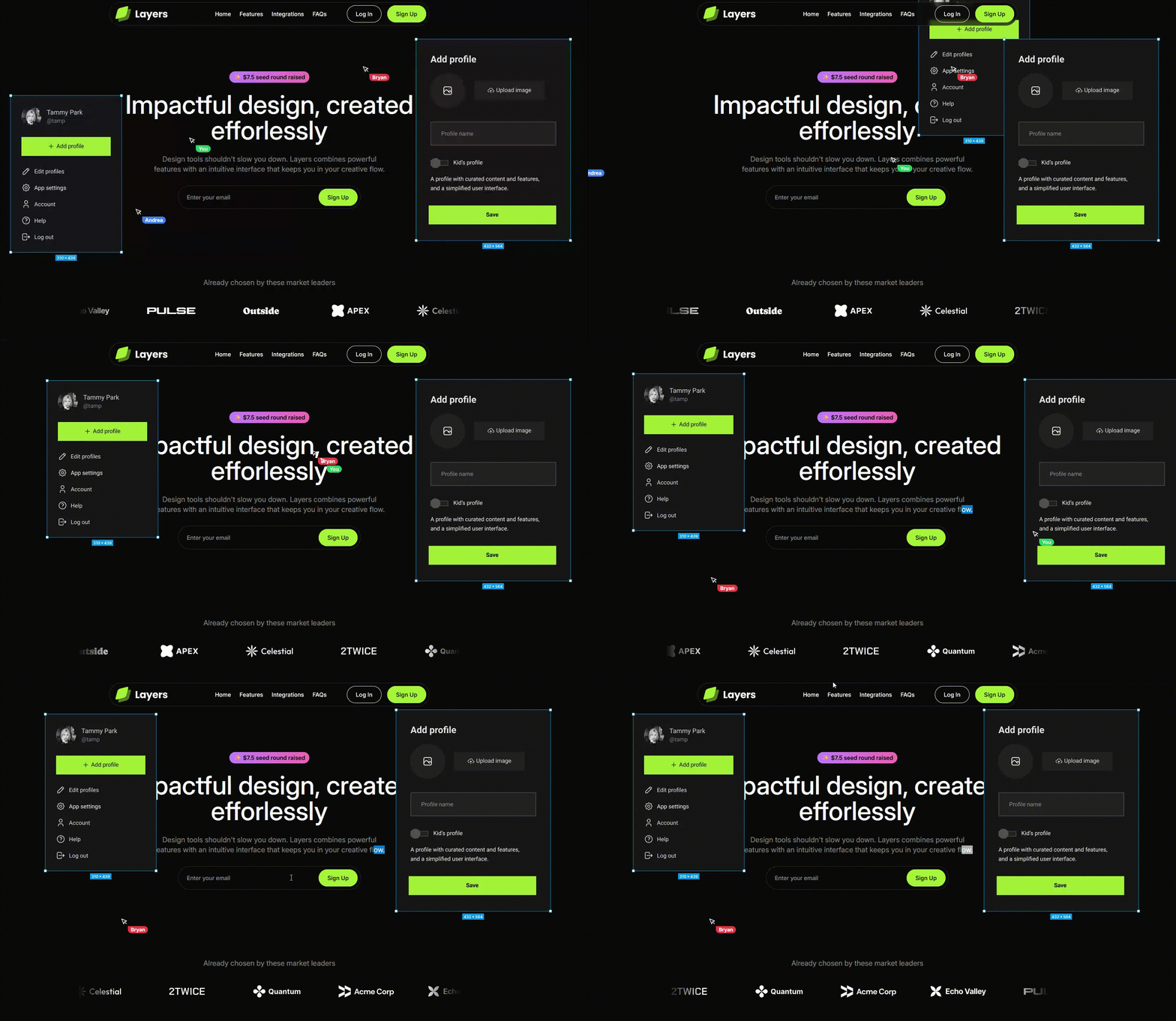
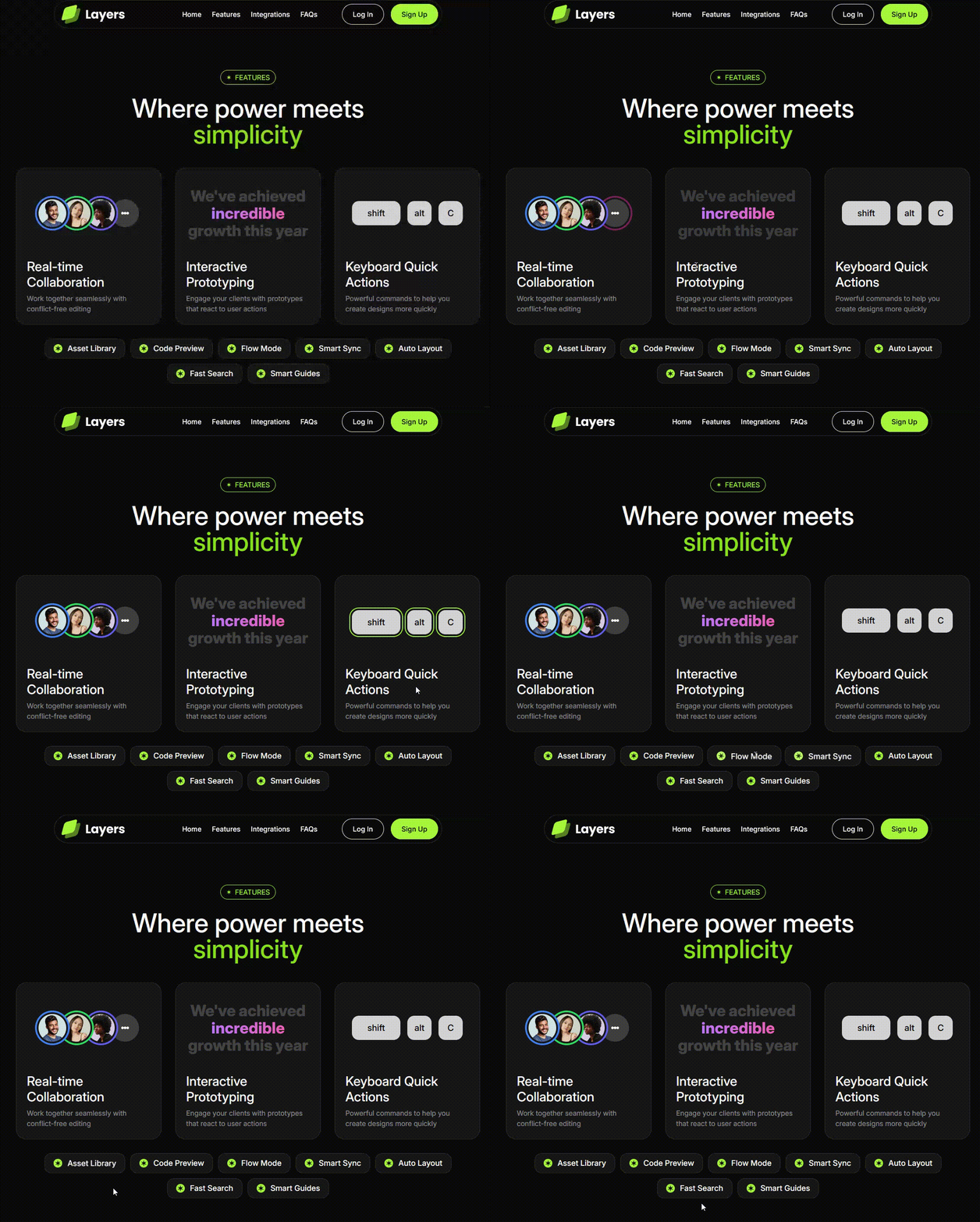
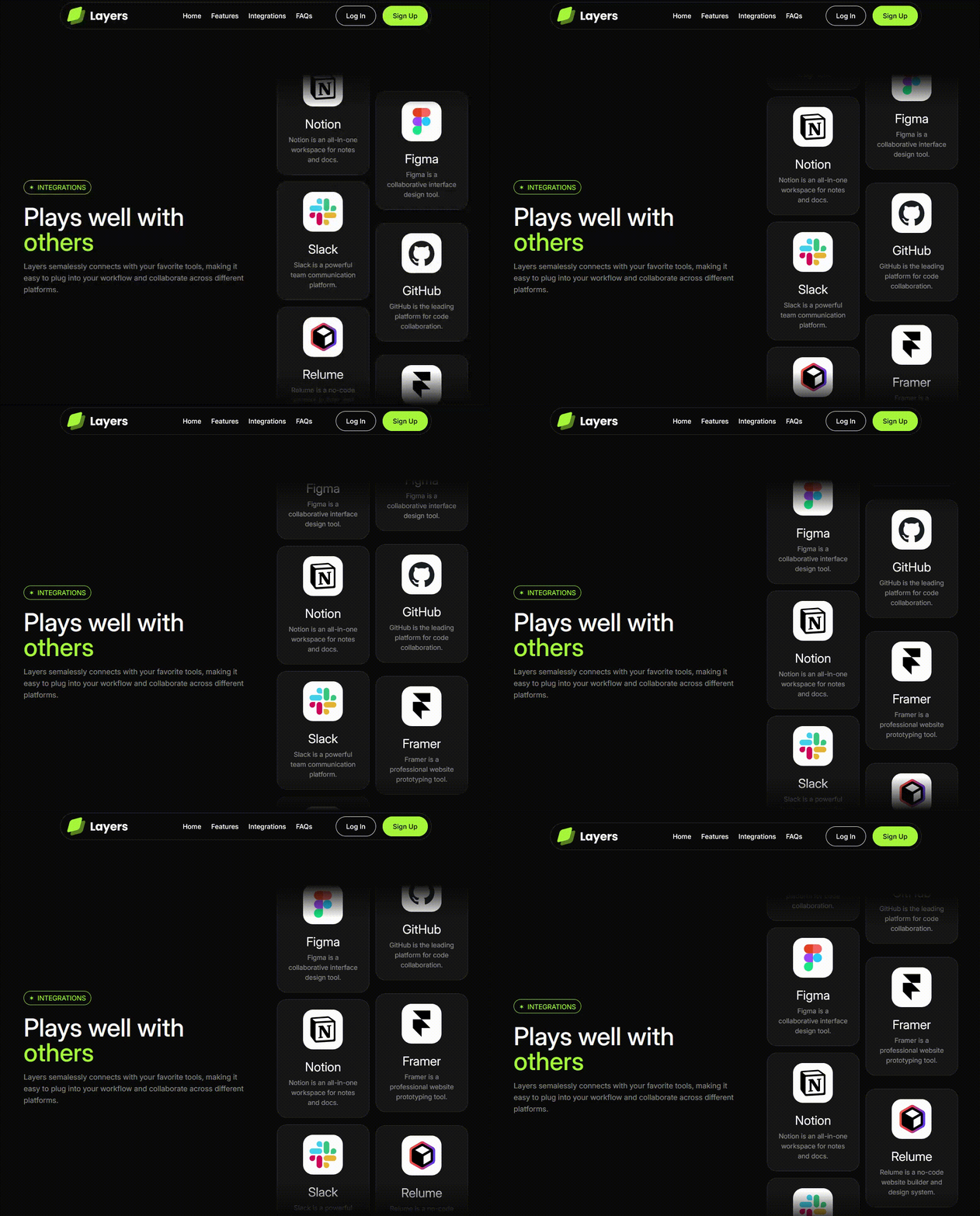
🎥 Live Demo: View the website
Optimized for desktop and mobile. Resize the browser to see the responsive adjustments and animations in action.
🪄 What I Learned
- I learnt how to bridge static designs and production-ready code by managing responsiveness and motion without breaking design fidelity.
- I learnt how to use the Motion framework to create beautiful animations to enhance static designs.
- Polished my UI/UX skills to guarantee a seamless and attractive page, positioning the user at the centre of the project.
🚀 Getting Started
# Clone this repository
git clone https://github.com/sleepielle/layers-landing-page.git

# Navigate into it
cd layers-landing-page

# Install dependencies
npm install

# Run the local server
npm run dev

Then open 👉 http://localhost:3000
 Let's connect on LinkedIn or send me an email!